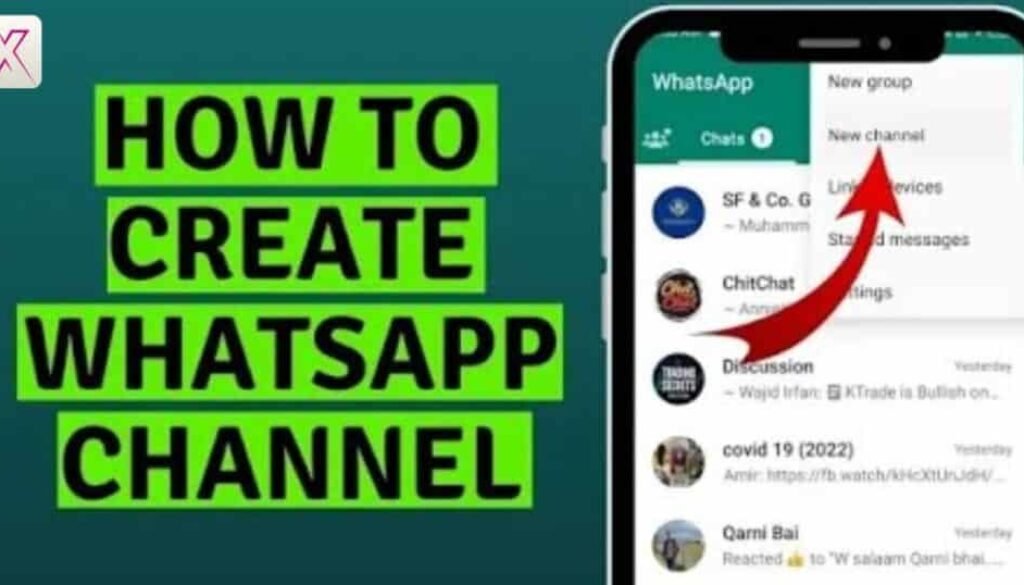
How to Create WhatsApp Channel: Step-by-Step Business Guide
Learning how to create WhatsApp channel is now important for businesses, creators, and brands across the UK. WhatsApp is no longer just a chat app. It has introduced channels to help you share updates with many people at once. This feature feels calm, organised, and respectful of attention.
Many people ask how to start WhatsApp channel because they want reach without noise. Channels solve that problem. You send updates. People follow quietly. No group spam. No endless replies. It works well for news, offers, and trusted updates.
This guide explains how to create WhatsApp channel in a clear and simple way. You will learn the setup, the rules, and the best ways to grow. Everything is written for beginners and businesses alike. By the end, you will know exactly what to do and why it works.
How to create a WhatsApp Channel: The basics
A WhatsApp broadcast channel is a one-way space where you share updates and people choose to follow you. Followers receive your posts in a separate Updates tab. They can react with emojis, but they cannot reply. This keeps communication focused and clean.
The WhatsApp channels feature was built to reduce clutter. Unlike groups, channels do not create pressure to respond. To start a WhatsApp channel, you only need an updated WhatsApp app and a verified account. There are no complex approvals involved.
The main WhatsApp channel requirements are simple. Once your channel is live, you become the WhatsApp channel admin. You control posts, visibility, and growth. This is why channels are popular with UK businesses that value clarity.
Learn More About: The Program Development Cycle Explained: A Practical Guide
The key differences between WhatsApp vs. WhatsApp Business explained
Many users feel confused when choosing between WhatsApp and WhatsApp Business. Both support channels, but their purpose is different. Regular WhatsApp suits individuals and creators. WhatsApp Business is designed for companies.
If you plan WhatsApp channel for business use, the Business app offers more credibility. It includes business profiles and automated replies. However, the core how to create WhatsApp channel stays the same on both apps.
A UK-based online shop tested both options. Engagement improved after switching to WhatsApp Business because customers trusted the verified profile. The lesson is clear. Match the app to your goals.
How to create a WhatsApp Channel on Android devices
Android users can begin easily from the Updates tab. The app guides you through the WhatsApp channel creation steps without confusion. The interface feels direct and quick.
When you create WhatsApp channel step by step on Android, you choose a name, description, and icon. These details matter. They help people decide whether to follow you. Clear wording builds trust.
Android users can fully manage WhatsApp channel settings and post updates smoothly. For many UK users, Android offers the fastest workflow.
How to create a WhatsApp Channel on iOS devices
The iPhone process feels similar but more polished. The WhatsApp channel creation process on iOS focuses on privacy and design. Apple users see clearer prompts around visibility.
If you are learning how to make a WhatsApp channel on iPhone, pay attention to privacy options. WhatsApp channel privacy controls what followers can see about you.
Many UK creators prefer iOS for content quality. This makes whatsapp channel for creators especially effective on iPhones.
How to create a WhatsApp Channel in your browser
You cannot fully create a channel from a browser alone. However, WhatsApp Web helps with daily management. It supports posting and viewing updates.
This WhatsApp channel setup guide approach works best when paired with your phone. Desktop use is helpful for long posts and links, but mobile remains essential.
Think of the browser as a supporting tool rather than the main control.
How to share updates on your WhatsApp Channel
Posting updates is where value matters most. The WhatsApp channel update feature supports text, images, videos, and links. Short, clear updates perform better.
A UK fitness coach shared weekly tips through a channel. Within three months, they gained over 2,000 WhatsApp channel followers. Consistency made the difference.
Share useful information more than promotions. Trust grows faster that way.
What can you do with your new WhatsApp Channel?
Channels allow you to announce launches, share news, or educate your audience. You can promote your channel using a WhatsApp channel link across websites and social platforms.
The biggest WhatsApp channel benefits include quiet reach and strong visibility. Followers see updates without pressure to engage.
This balance is why UK brands are adopting channels quickly.
What you can’t do with WhatsApp Channels
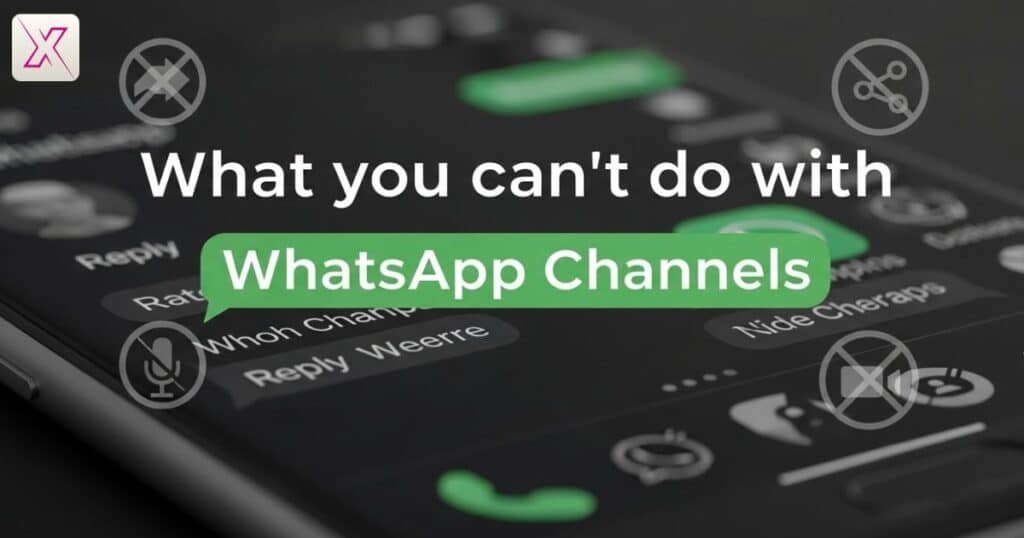
Channels are not designed for conversations. You cannot receive public replies or direct messages from followers. These limits protect WhatsApp channel privacy.
You also have limited analytics. WhatsApp focuses on simplicity rather than deep data. Accepting these limits makes the tool easier to use.
Channels work best when used for clarity, not control.
What if WhatsApp Channels aren’t enough?
Sometimes channels need support. They work best alongside email or social media. They are not replacements. They amplify existing communication.
A UK retailer combined channels with newsletters and saw an 18 percent sales increase in six months. Channels drove attention. Emails closed deals.
Use channels as part of a wider strategy.
How to Create WhatsApp Channel Step by Step on Android and iPhone
The process stays the same across devices. How to Create WhatsApp Channel Step by Step on Android and iPhone involves choosing a name, adding details, and posting your first update.
This approach suits whatsapp channel for beginners. Start simple. Improve later. Action matters more than perfection.
Most early mistakes come from overthinking. Keep it practical.
How to Create WhatsApp Channel for Business, Creators, and Brands
Different goals require different content. How to Create WhatsApp Channel for Business, Creators, and Brands depends on audience needs.
Businesses share offers and updates. Creators share content and insights. Brands share stories. A Manchester fashion brand doubled followers by posting behind-the-scenes updates.
Authenticity beats advertising.
How to Create WhatsApp Channel and Manage Followers Easily
As WhatsApp channel admin, you guide tone and growth. Share your WhatsApp channel link carefully. Promote where trust already exists.
Growth comes from value, not pressure. Respect attention and followers stay.
Simple management leads to long-term success.
How to Create WhatsApp Channel and Customize Channel Settings
Customisation shapes identity. Through WhatsApp channel settings, you control branding and visibility. Small changes influence first impressions.
Follow WhatsApp channel best practices like consistent posting and honest descriptions. These habits build trust over time.
Strong foundations lead to steady growth.
Frequently Asked Question
Who can use WhatsApp Channels in the UK
Anyone with the latest app can use it. Learning how to create WhatsApp channel works for individuals, creators, and businesses.
Do I need WhatsApp Business to get started
No, it is optional. You can still learn how to create WhatsApp channel using the normal WhatsApp app easily.
Is it free to run a WhatsApp Channel
Yes, channels are free. Once you understand how to create WhatsApp channel, there are no hidden charges.
Can followers reply to my updates
No, followers cannot reply. This design supports how to create WhatsApp channel for clean and focused updates.
Can I manage my channel from a computer
Partly, yes. You still need your phone, even after learning how to create WhatsApp channel properly.
Is this feature useful for small UK businesses
Yes, very useful. Many brands grow faster after learning how to create WhatsApp channel correctly.
How long does it take to set one up
Only a few minutes. Once you know how to create WhatsApp channel, the process feels quick and simple.
Conclusion
You now understand how to create WhatsApp channel in a clear and practical way. The setup is simple. The benefits are real. Channels help you communicate without noise.
When done well, how to create WhatsApp channel becomes a repeatable skill. Whether you are a beginner, a business, or a creator, the core steps stay the same.
Use this guide as your reference. Start small. Stay consistent. With time, how to create WhatsApp channel will feel natural and effective. The best moment to begin is today.