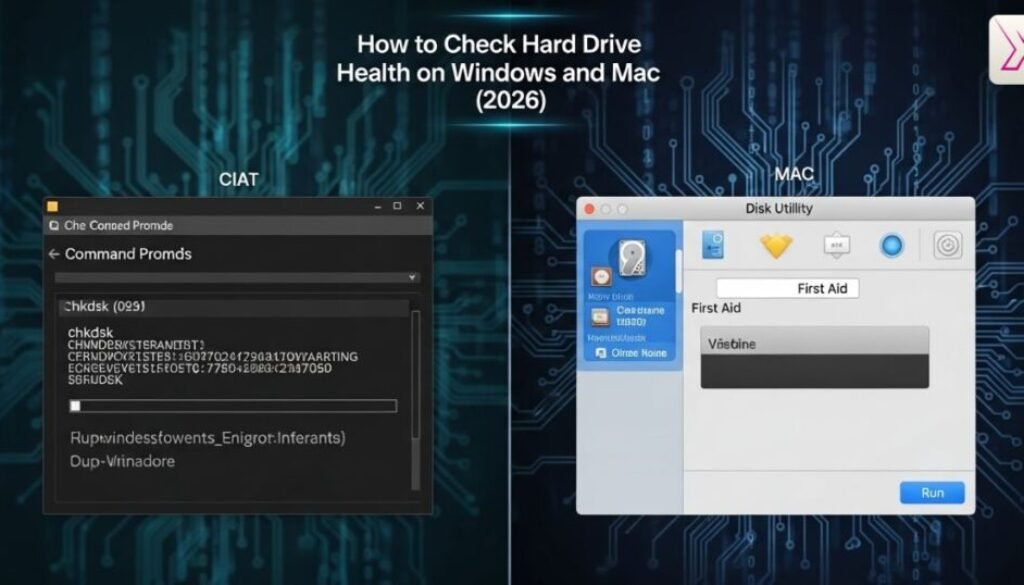
How to Check Hard Drive Health on Windows and Mac (2026)
Your data is important. Photos, documents, videos, and work files all live on your computer. That is why learning how to check hard drive health is so important today. Many people ignore a hard drive health check until their system slows down or files disappear. By then, damage may already be done.
Knowing how to check hard drive health helps you stay one step ahead. A simple hard drive health check can warn you early. It can reveal hidden problems with your storage drive health before they turn serious. This saves time, money, and stress.
In 2026, both Windows and Mac systems offer better tools to check drive condition. Still, you need to know where to look. This guide explains how to check hard drive health on Windows and macOS using simple steps, clear examples, and modern disk health monitoring tools.
How to Check Hard Drive Health on Windows PCs
Windows computers provide several ways to perform a proper hard drive health check. Many users never explore these tools. That is a mistake. When you regularly check disk health, you gain insight into your hard drive health status and spot risks early.
When you check hard drive health Windows, the system reviews internal data from the drive. This data forms the disk health status. It shows whether your drive works normally or shows early damage. Windows supports both HDD health check and SSD health check, though SSD data is often more precise.
A well-known Backblaze case study showed that most drives fail only after warning signs appear. Regular drive health monitoring could have prevented many failures.
Using Windows Built-In Utilities for Disk Health
Windows includes basic disk error checking tools. These scan the file system and fix logical problems. When you test hard drive for errors, Windows looks for corrupted files and system faults. This helps maintain overall storage drive health.
Running a built-in hard drive test improves stability. However, these tools cannot detect physical wear inside the drive. They work best as the first step in a complete hard drive diagnostic process.
Reading SMART Disk Check Results on Windows
SMART technology plays a key role in hard drive health monitoring. A SMART disk check reads internal sensors built into your drive. These sensors track temperature, error rates, and damaged sectors.
The hard drive SMART data helps predict future failure. Rising error numbers often signal an upcoming hard disk failure check alert. Many technicians say, “SMART warnings should never be ignored, even if the drive still works.”
Learn More About: How to Check Laptop Battery Health on Windows and Mac in 2026
How to Check Hard Drive Health on macOS Systems
Mac users should also run a regular hard drive health check. Apple systems hide many technical details, which makes some users think everything is fine. That is not always true. You still need to monitor hard drive health manually.
When you check hard drive health Mac, macOS reviews file structure and SMART information. Modern Macs handle SSD health check especially well since most models use SSD storage.
Apple service data shows most drives fail slowly. Ignoring early signs shortens hard drive lifespan significantly.
Using macOS Disk Utility for a Hard Drive Health Check
Disk Utility is Apple’s main hard drive health tool. It performs disk error checking and repairs minor file issues. Over time, this helps protect disk health status.
However, Disk Utility does not show deep hard drive diagnostic details. It only confirms whether the drive is readable and stable. That makes it useful, but limited.
Checking SMART Status on macOS
macOS also displays hard drive SMART data. If the status shows “Failing,” replacement is urgent. Even “Verified” does not guarantee safety.
Experts often say, “SMART is a warning system, not a promise.” Combining SMART with other tools improves drive health monitoring accuracy.
How to Check Hard Drive Health Using Built-In OS Tools
Built-in tools offer a quick check disk health overview. They detect file corruption and basic errors. For many users, this confirms short-term storage drive health.
However, built-in checks often miss early signs of hard drive failure. They do not track long-term wear or performance trends. Use them as a starting point, not the final answer.
How to Check Hard Drive Health with SMART Status Data
SMART data is the backbone of modern hard drive health check systems. It tracks dozens of internal measurements. These values help estimate hard drive lifespan based on real usage.
High reallocated sector counts often signal danger. Frequent read errors usually lead to hard disk failure check warnings. Good disk health monitoring tools analyse this data automatically.
A UK data recovery firm reported that over 70% of failed drives showed SMART warnings weeks before failure. Early action saved users thousands in recovery costs.
How to Check Hard Drive Health Using Free Diagnostic Software
Free hard drive diagnostic software gives deeper insight than built-in tools. These programs combine SMART analysis, surface scanning, and hard drive performance test features.
A reliable hard drive health tool creates a clear hard drive health report. This report explains whether the drive is healthy or declining. Most tools support check HDD health and check SSD health equally.
These tools also perform check disk for bad sectors scans. Bad sectors usually increase over time and reduce hard drive lifespan.
How to Check Hard Drive Health for HDD vs SSD Drives
HDDs and SSDs fail in different ways. An HDD health check focuses on mechanical wear and moving parts. An SSD health check focuses on write limits and memory wear.
When you check HDD health, sounds and vibration matter. Clicking noises often signal damage. When you check SSD health, remaining write cycles matter most.
Understanding these differences improves overall hard drive health monitoring.
How to Check Hard Drive Health and Detect Early Warning Signs
Common signs of hard drive failure include slow startups, freezing apps, and missing files. These symptoms often reflect declining hard drive health status.
Watching SMART alerts and performance trends helps you monitor hard drive health properly. Ignoring early signs shortens hard drive lifespan and risks data loss.
How to Check Hard Drive Health by Monitoring Performance Issues
System performance often mirrors disk health status. Sudden slowdowns may indicate internal damage. A proper hard drive performance test helps confirm this.
If slow performance continues after software fixes, the issue is likely hardware-related. Performance tracking is a strong drive health monitoring method.
How to Check Hard Drive Health Before Data Loss Happens
Prevention is better than recovery. Regular hard drive health check routines reduce risk. Monthly scans and SMART reviews help catch issues early.
Using multiple disk health monitoring tools increases accuracy.Many experts say that while backups are important, taking preventive steps to protect your drive is even more valuable.
How to Check Hard Drive Health and Decide When to Replace It
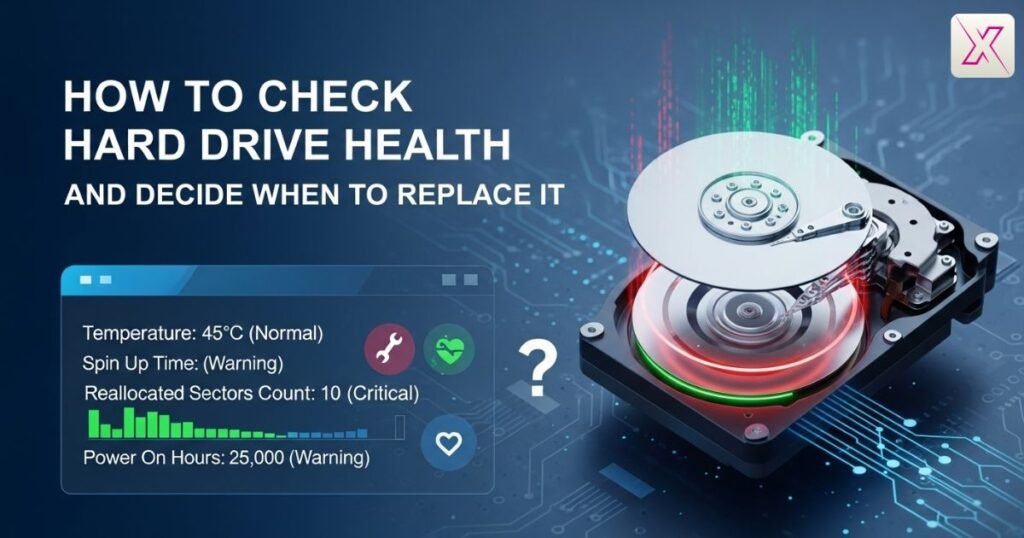
Knowing when to replace hard drive protects your data. Repeated SMART warnings, increasing bad sectors, and ongoing slowdowns signal replacement time.
A declining hard drive health status rarely improves. Replacing early avoids data loss and downtime. It also extends system reliability.
Frequently Asked Question
Why should I check my drive regularly?
Regular checks prevent surprise failures. Learning how to check hard drive health helps protect data and extend overall drive lifespan.
Can drive problems appear without warning?
Yes, many issues stay hidden. Knowing how to check hard drive health reveals early errors before serious damage begins.
Is checking drive health difficult for beginners?
Not at all. Modern tools simplify how to check hard drive health, even for users with no technical experience.
Does checking drive health improve computer speed?
It can. Understanding how to check hard drive health helps identify slowdowns caused by failing storage components.
How often should drive health be checked?
Monthly checks work well. Consistently practising how to check hard drive health reduces the risk of sudden data loss.
Do both SSDs and HDDs need health checks?
Yes, both do. Knowing how to check hard drive health applies to SSD wear and HDD mechanical ageing.
Can health checks tell me when to replace a drive?
Yes. Accurate reports from how to check hard drive health guide timely replacement before failure causes data loss.
Conclusion
Learning how to check hard drive health gives you peace of mind. It removes uncertainty. A regular hard drive health check protects your files and saves money. Small actions today prevent major problems later.
Making how to check hard drive health a habit helps you act early. Windows and Mac both provide helpful tools. Adding diagnostics and SMART checks improves accuracy and protects storage drive health.
Treat how to check hard drive health as routine maintenance. Check monthly. Watch for warnings. Replace drives when needed. Your data will stay safe, stable, and ready when you need it.